Your first hour with Cabin
- 10 min read
- Updated
- Applies to all plans
This guide walks through the five things most people do on their first day: naming the site, choosing what kind of content it holds, writing a page, adding photos and publishing on a domain. None of them need a developer.
1. Name your site
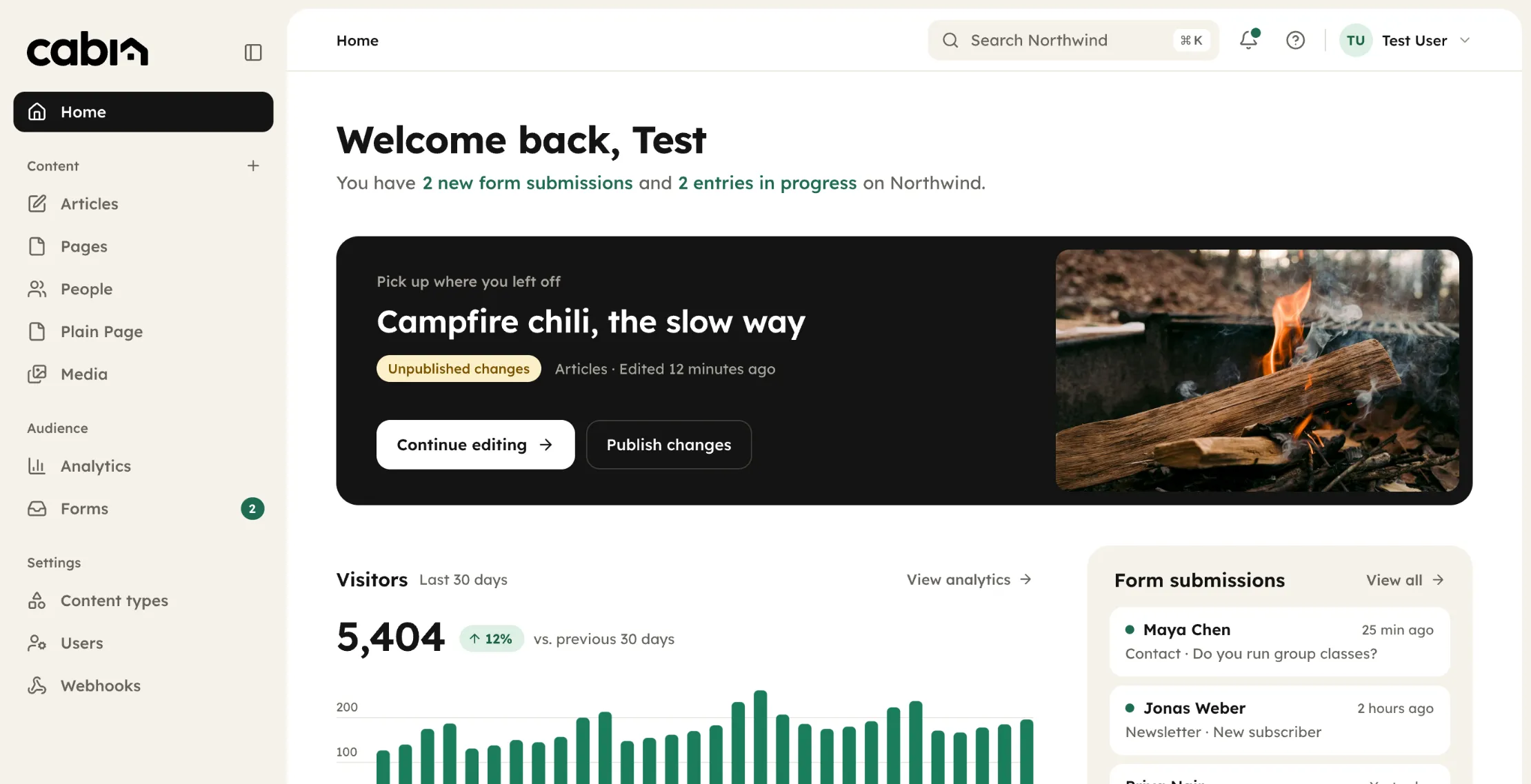
After signing up you'll land on the dashboard. The site name sits at the top of the sidebar; click it to change it. This is only a label for you. Visitors see whatever you put on the home page.
2. Pick your content types
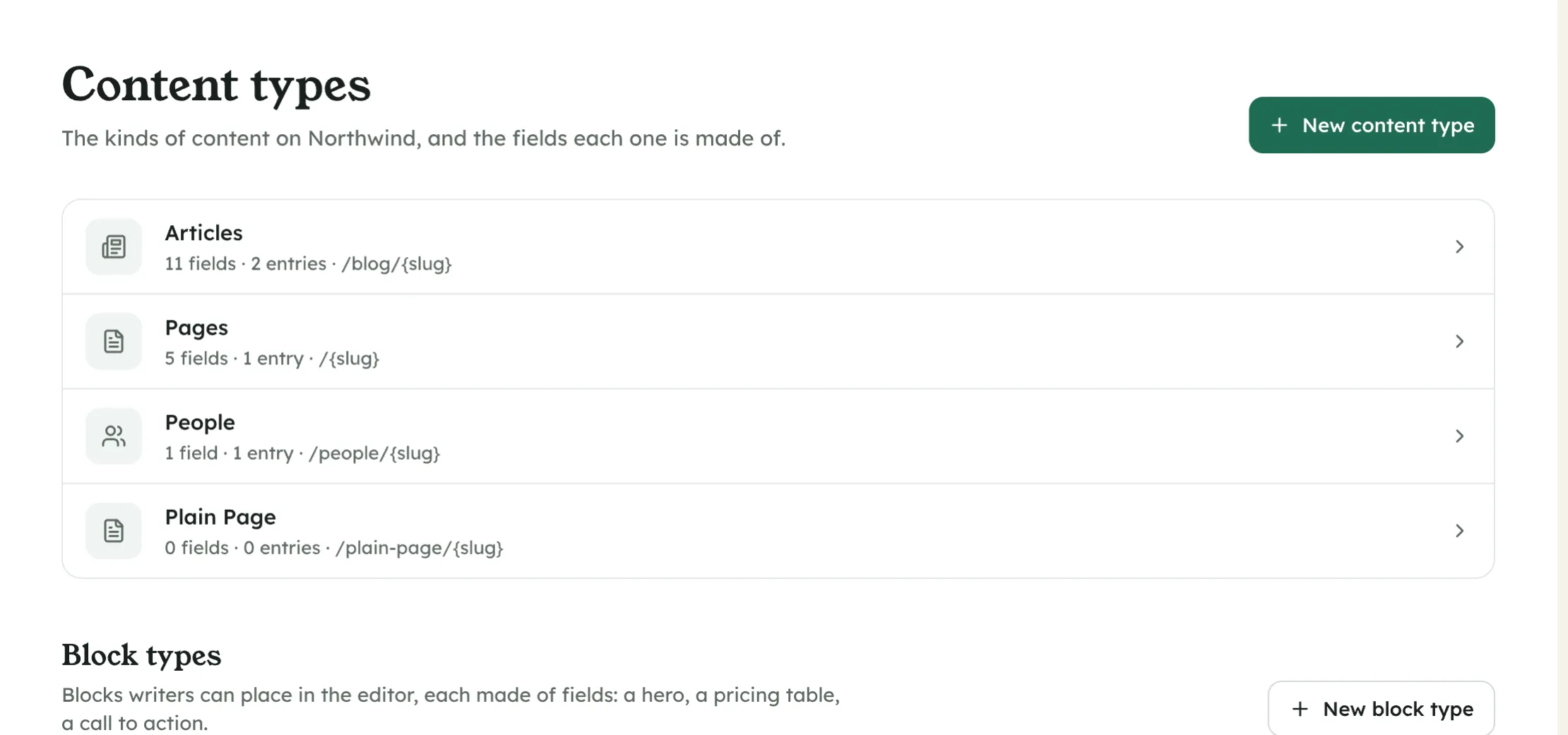
Pages and articles are ready on day one. If your site has things that repeat, like recipes, events or team members, open Content types and describe one in a minute. Cabin builds the editor for it.
3. Write your first page
Open Pages, choose New, and write. The editor looks like the page it becomes. Drafts save as you type, and you can close the tab without losing anything. When it reads right, press Publish.
4. Add photos
Drag a folder onto the Media page. Cabin names the files, makes every size the site needs and finds them again when you search. To use a photo, type / in the editor and pick it.
5. Publish on your domain
Go to Settings, then Domain. Either connect a domain you already own by changing one record at your registrar, or register one here. HTTPS switches on by itself within a few minutes.
Next up
- Write your first article
The editor, drafts, scheduling and what 'publish' does.
- Connect your domain
Point a domain you own at Cabin, or register one. HTTPS is automatic.